



Multi-Step Automation, Built Visually
Chain Agents Into Real Business Processes
A single agent answers a question. A workflow gets the work done. Orchestrate multiple agents, tools, and conditional logic into automated pipelines that run your business processes end to end — no code required.
Start Building

From simple triggers to multi-agent pipelines — built to scale with you
System Compatibility
Beyond a Single Agent
A single agent is great at one job: answering a ticket, drafting a reply, summarizing a doc. But most business processes span several steps and several systems — a support ticket that needs a lookup, then a decision, then an escalation, then a follow-up message.
A Workflow lets you chain agents, tools, and logic together into one automated pipeline. Trigger it on an event, a schedule, or a manual request — then let it run the entire process, checkpoint by checkpoint, without a human touching each step.

Triggers
Start a workflow from an incoming message, a new record, a webhook, or a schedule.

Steps
Chain agents, MCP tool calls, and conditional branches — each step feeding the next with structured context.

Outcomes
End with an action and a written record, or a handoff to a human — fully logged.
From single task to full process, in one canvas.

Visual, No-Code Orchestration
Design Once. Run Automatically
Drag, drop, and connect. Build a workflow the same way you'd sketch it on a whiteboard — then watch it run for real, on live data, across your live tools.
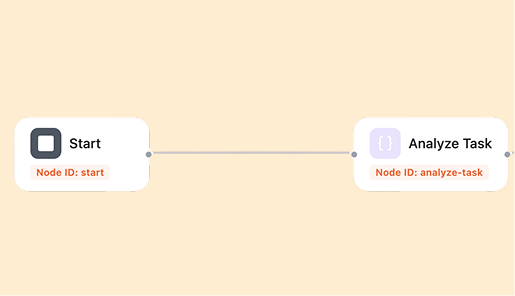
Set the Trigger
Choose what starts the workflow: a new message, a form submission, a schedule, or another workflow finishing.
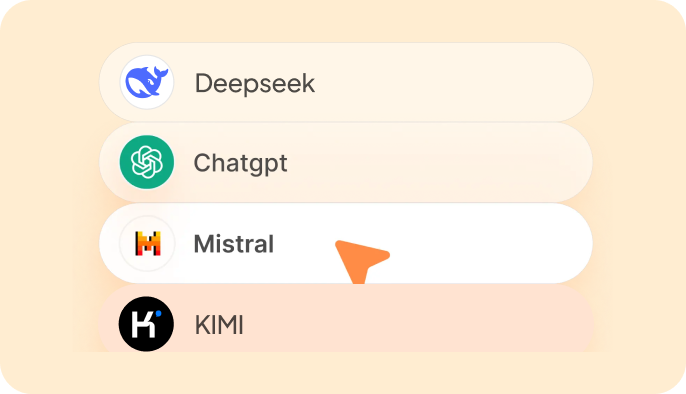
Add Agents & Logic
Drop in agents for each step, add conditional branches, approvals, or delays — arrange them in the order the work actually happens.
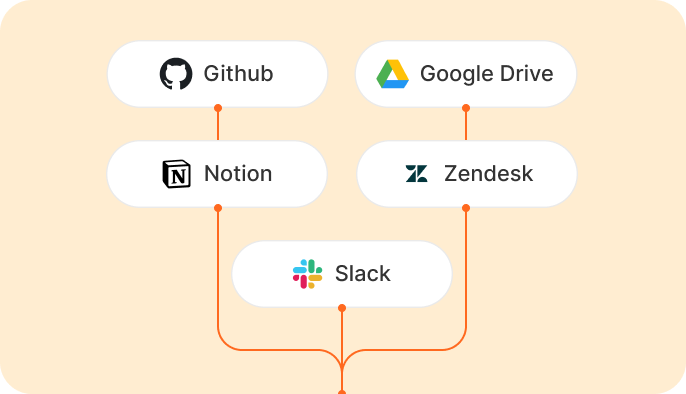
Connect Your Tools
Attach MCP servers so each step can read and write directly to Slack, your CRM, your ticketing system, or your storage.
Build in 3 Steps — No Code
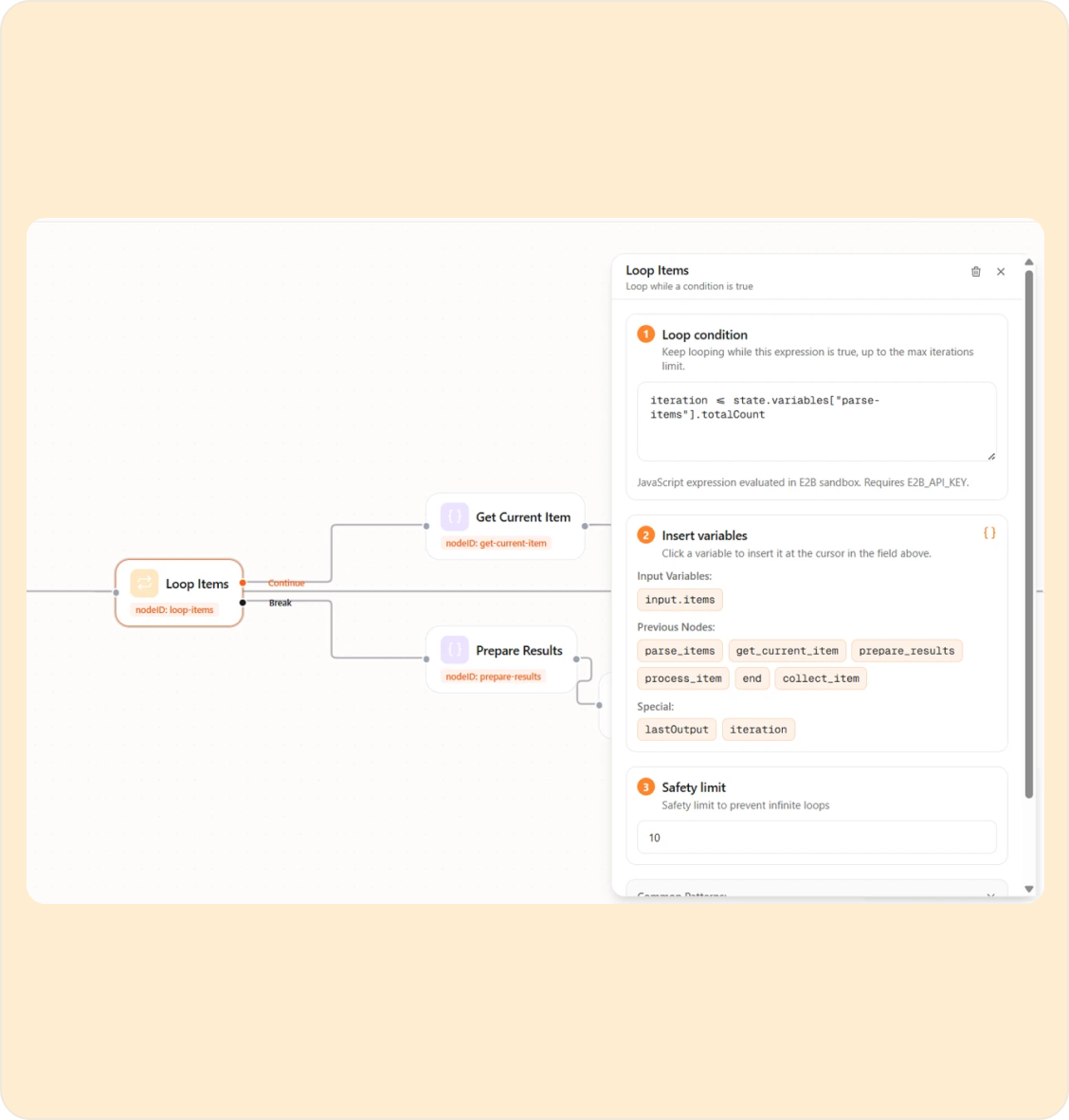
Built to Run Unattended
Workflows You Can Trust to Run Themselves
Automations only earn their keep if they're reliable. Every workflow run is tracked step by step, with automatic retries and clear failure points — so nothing silently breaks.
Triggers
Start a workflow yourself, on a schedule, from another app, or when someone asks in chat.
Conditional Branching
Route each run down a different path based on the data it encounters.
Human in the Loop Checkpoints
Pause a workflow for approval before a sensitive or high-stakes step.
Automatic Retries
Transient failures (a rate limit, a timeout) are retried without restarting the whole run.
Version History
Every change to a workflow is saved, so you can compare, roll back, or branch a new version.
Workflow Templates
Start From a Template, Not a Blank Canvas
Pre-built workflows for common processes across support, sales, HR, and operations — customize the steps and tools, keep the structure.


Building something more specific? Start from scratch with the same visual canvas.
Scale & Security
Enterprise-Grade Automation Infrastructure
Workflows run at the same standard as everything else on the platform — observable, permissioned, and built for volume.
Automated Scaling
Run one workflow or ten thousand concurrent instances; the platform manages orchestration and load.
Access Control
Each workflow, and each step within it, only touches the data and tools it's explicitly cleared for.
Full Audit Trail
Every run, every step, every decision point logged for complete traceability.
Dedicated Support
Enterprise teams get hands-on help designing and hardening mission-critical workflows.
Ready to Automate the Whole Process?
Stop stitching single tasks together by hand. Design the workflow once and let it run.

